
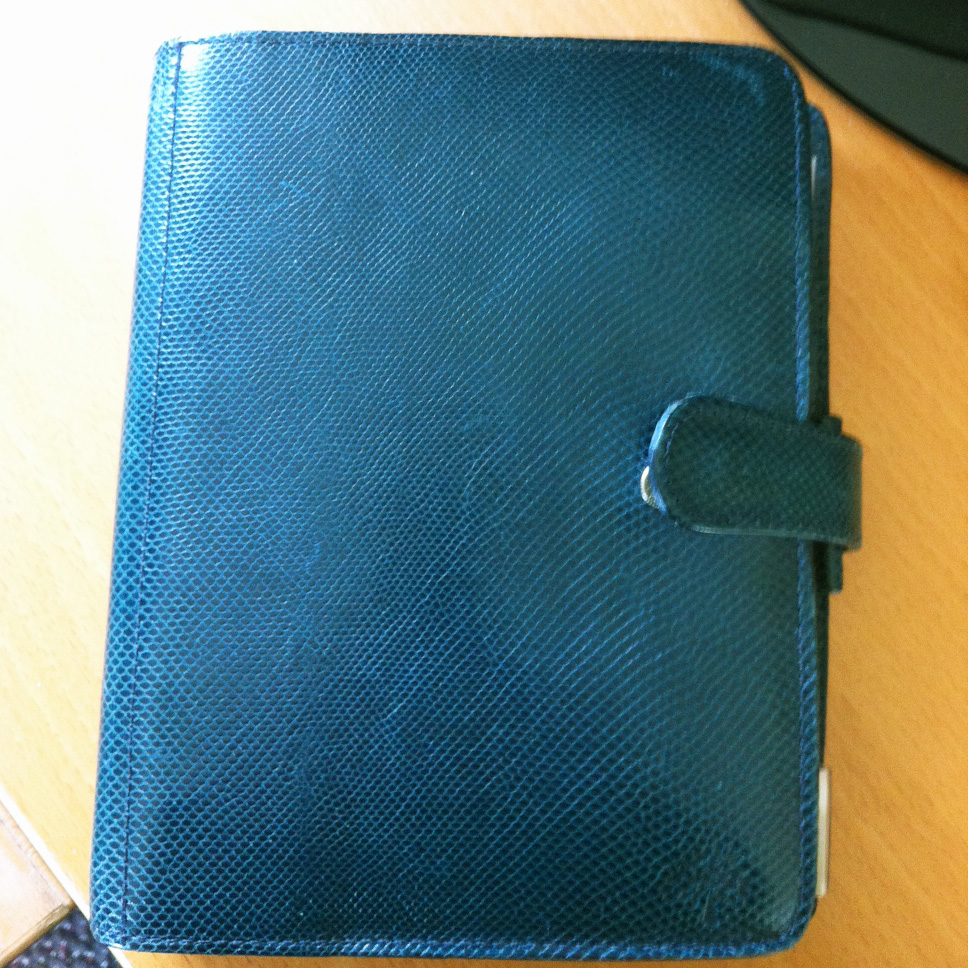
Here's another obsession: notebooks. All office supply-type stuff, really, but notebooks in particular. Variously called agendas, diaries, organizers, journals. I haven't bought any expensive ones for a long time, but I have several, in different sizes--a big Franklin-Covey desk size in soft cream-colored leather, another Franklin-Covey one, a smaller size (Junior?) in red leather, a small black leather zippered FC pocket size, and a gorgeous blue leather Mulberry. Lately, though, I've been trying to keep everything paperless. When I look at a catalog like
Levenger's, I admire the merchandise, but tell myself that I don't need it, it's too expensive, and I move on. It's fairly easy for me to resist buying something that's over $100. It's the little things that I find hard to walk by.
Over the weekend I dreamed about the
Mulberry agenda. I've had it for a long time. When I used to travel for work, I would sometimes seek out stationery stores, but in this case I think I bought it at a discount store like T. J. Maxx or Marshall's (back in the day when they were actually two different stores and didn't carry exactly the same stuff). I know that at some point I ordered a calendar refill and some blank paper; I threw away the used calendar pages, apparently, but the remaining flyleaf is dated 1999, so I bought it sometime prior to that. I have no idea how much I paid for it, but I would guess something like $25-30. I don't think I would have paid more than that, although I had a lot more disposable income during that period of time.

So I dug it out on Sunday and looked through it, and then went looking online to see if I could find any refills.
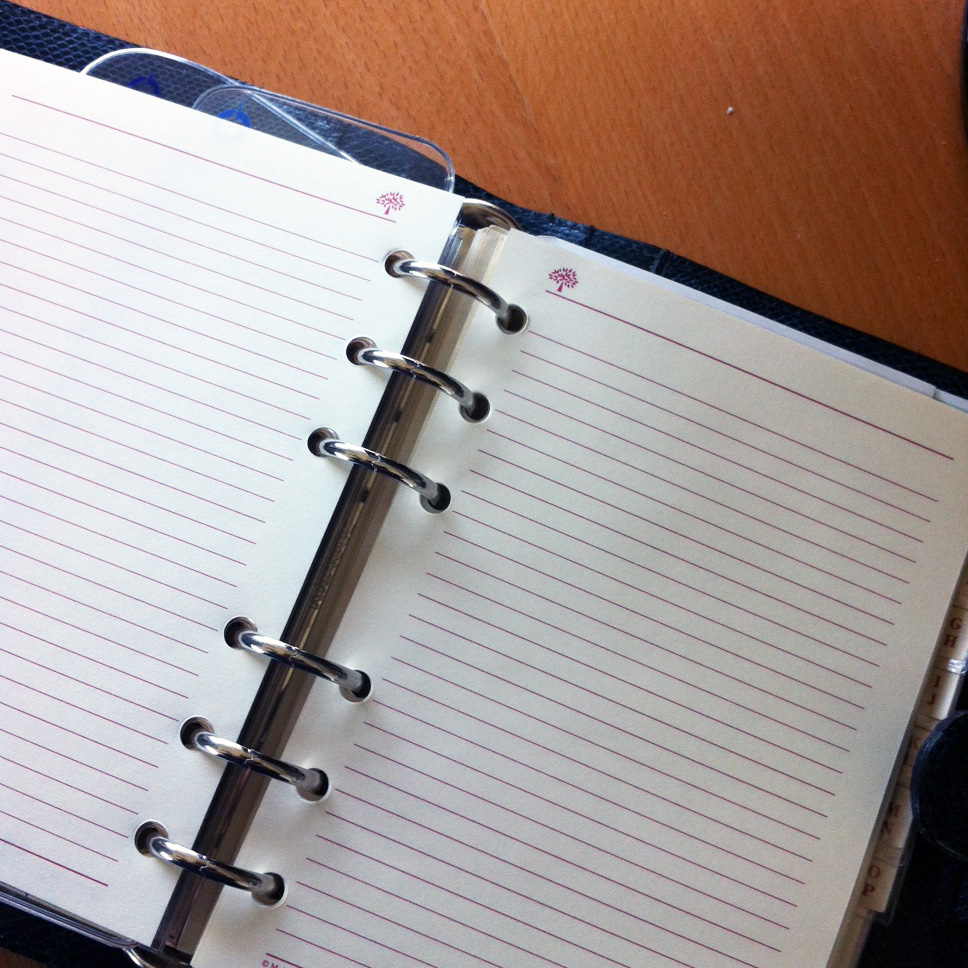
The pages are cream colored, printed in red. They have (of course, as Bob would say) stopped offering those refills. Mulberry no longer makes a page-a-day organizer refill (they only have a weekly one), and they don't make the cream-colored paper at all, only white with black. And it's pretty expensive--$14 for 25 sheets of lined paper. That seems excessive, but the binders are extremely expensive as well, ranging from about $500 up to $1500. Mine is very similar to one that retails for $600. So whatever I paid for it, it was definitely worth it.
Of course (again) other brands of refills like Filofax, Franklin-Covey or Quo Vadis, don't fit. The pages are kind of an odd size, being more square than most agenda pages, and the holes are spaced differently than, for instance, Filofax pages. As I went through a bunch of notebook blogs (you knew those existed, right?) looking for Mulberry info, there was a lot of discussion about how it was obvious that Mulberry was no longer producing the range of refills that used to be available, and discussions about what to do in order to keep using these incredibly expensive notebooks. There was even a
graphic that someone had made showing the hole configuration of Mulberry paper compared to Filofax, and an
even more extensive comparison of the various paper sizes of different brands.
One of the suggestions was to
download and print templates, but that didn't really appeal to me. Part of the pleasure of writing in an agenda--for me, at least--is writing on nice paper, and copy paper doesn't really cut it.

Then I thought, well, I could buy some nice paper and have it cut and punched somewhere like Office Max or Kinko's, and I may still end up doing that. For now, I accidentally discovered that the Franklin-Covey "pocket" size refills are punched in the same configuration as the Mulberry refills. The pages are quite a bit narrower, though, so I'm not sure how that will work out. I did go ahead and order a set of monthly calendar pages and a pack of refill paper from FC; they were having a sale, and I got both of those things for under $10, with free shipping, so it won't hurt to try. I also tried cutting and punching some paper on my own using some nice Levenger Circa dot grid paper, which is still an option.
In any event, I've really been enjoying setting up the notebook and using it. There are a lot of people listed in the contacts section that I don't even remember at all, and a lot of people have moved or changed phone numbers. But the phone number section consists of tabbed pages that fit into thin plastic sleeves, so difficult to change/replace. I think I'll leave them for now.

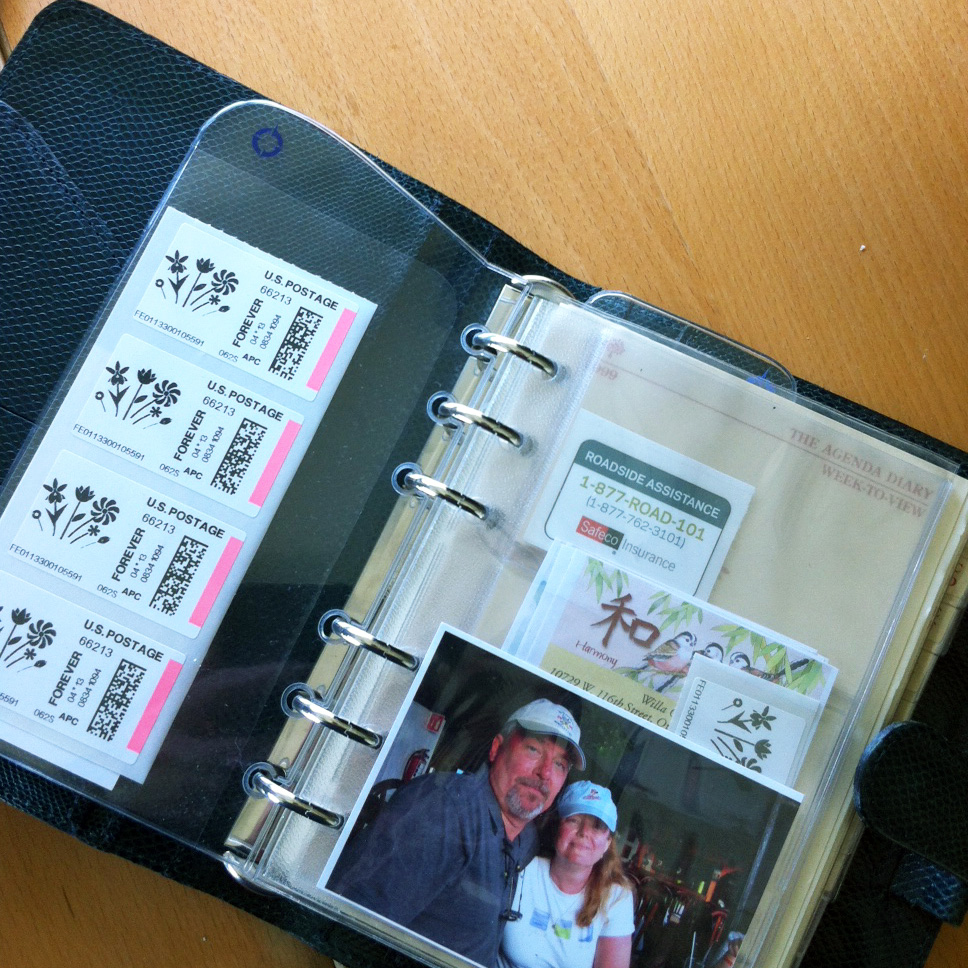
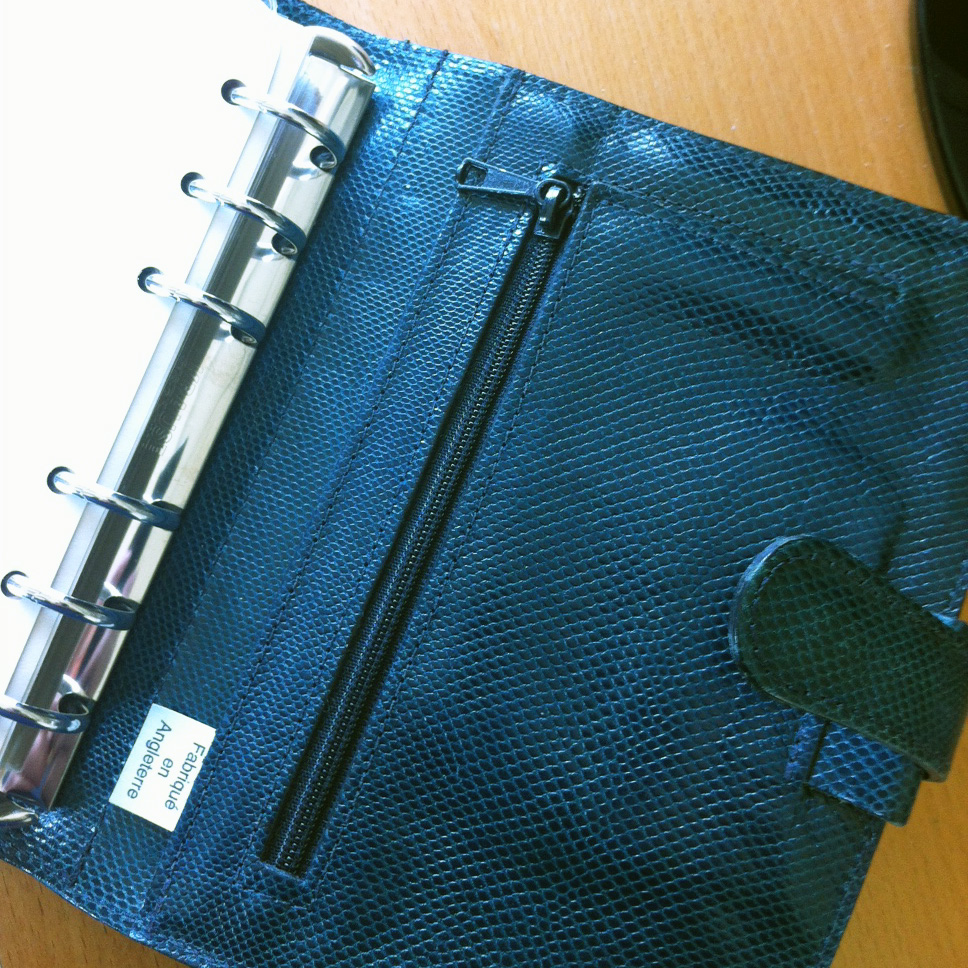
The notebook is leather, with a lizard grain (or it could actually be lizard, although it's pretty uniform). The color is blue, with a slight green tint. There are full length pockets in the front and back, with a slip pocket and three card slots in front, and a zipper pocket and a pen loop in back. I've got a photo of me and Bob, some stamps and return address labels in clear plastic pockets, and I had a couple of Franklin-Covey page dividers, so I'm using those, too.
It's a little cobbled-together, but I kind of like that. It makes it easier to punch various paper oddments and put them in, and make it more personalized, and it looks (and is) well used and loved. Anyway, for now at least, I'm loving it.
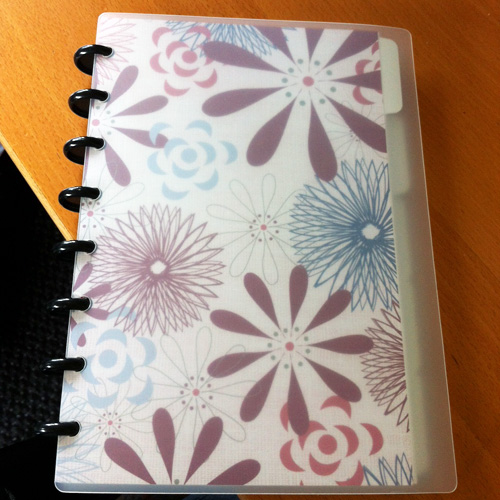 I stopped carrying around the Mulberry journal for the same reason I always do -- because it's just too heavy. I already have my laptop and iPad to carry back and forth to work, and that heavy binder just added too much weight. And this time, of course, unlike the other times with Franklin Covey products, I can't get Mulberry refills, they just don't exist. I tried to make it work by punching my own paper, but I wasn't happy with it.
 The needle inventory screen allows you to enter any number of needles, specifying whether they are straight, double pointed or circular, the length, and the material that they are made from. One thing that it doesn't have that I would like is the ability to add a number in case you have multiple occurrences of the same needle, especially for sock needles and steel crochet hooks. I probably have about 87 sets of Size 1 Brittany Birch needles . . .
The next section is the project section. For each project, you can save whether it is a Work in Progress (WIP), in your queue, or a finished object. When you choose the needles that you are using, the app marks them in the needle inventory as used (shows them highlighted in yellow), so if you are checking to see if you have the particular needles you need for a project, you can also see if they are in use. Selecting a yarn from your stash doesn't seem to do anything to the yarn inventory, which is fine.
There is a free-text notes section where you can add any particular notes about that project, i.e., who it is for, what size you made, and any notes you may want to make about the project. I have also used this field to enter a text version of the pattern. It isn't really made for that, and it formats it kind of oddly, but it is possible to use it that way. I save all of my patterns in the
The needle inventory screen allows you to enter any number of needles, specifying whether they are straight, double pointed or circular, the length, and the material that they are made from. One thing that it doesn't have that I would like is the ability to add a number in case you have multiple occurrences of the same needle, especially for sock needles and steel crochet hooks. I probably have about 87 sets of Size 1 Brittany Birch needles . . .
The next section is the project section. For each project, you can save whether it is a Work in Progress (WIP), in your queue, or a finished object. When you choose the needles that you are using, the app marks them in the needle inventory as used (shows them highlighted in yellow), so if you are checking to see if you have the particular needles you need for a project, you can also see if they are in use. Selecting a yarn from your stash doesn't seem to do anything to the yarn inventory, which is fine.
There is a free-text notes section where you can add any particular notes about that project, i.e., who it is for, what size you made, and any notes you may want to make about the project. I have also used this field to enter a text version of the pattern. It isn't really made for that, and it formats it kind of oddly, but it is possible to use it that way. I save all of my patterns in the  Within the Pattens screen you can set counters. These can be named whatever you like, and you can choose whether pressing on the + or - makes a sound or not. I kind of like the sound feedback. Once you are finished with a counter you can delete it, but you can also have multiple counters going at the same time. I don't think there is any limit to the number of counters you can have, but I have only used two at one time.
The functionality of the app is pretty close to the information that can be entered in your notebook at
Within the Pattens screen you can set counters. These can be named whatever you like, and you can choose whether pressing on the + or - makes a sound or not. I kind of like the sound feedback. Once you are finished with a counter you can delete it, but you can also have multiple counters going at the same time. I don't think there is any limit to the number of counters you can have, but I have only used two at one time.
The functionality of the app is pretty close to the information that can be entered in your notebook at